
A SOP Template for Office Equipment Maintenance ensures consistent procedures for inspecting, servicing, and repairing office devices. It outlines clear steps for routine checks and troubleshooting to maximize equipment efficiency and minimize downtime. This template helps maintain a systematic approach for all maintenance activities, promoting accountability and prolonging the lifespan of office equipment.
Office equipment inventory documentation and tracking.
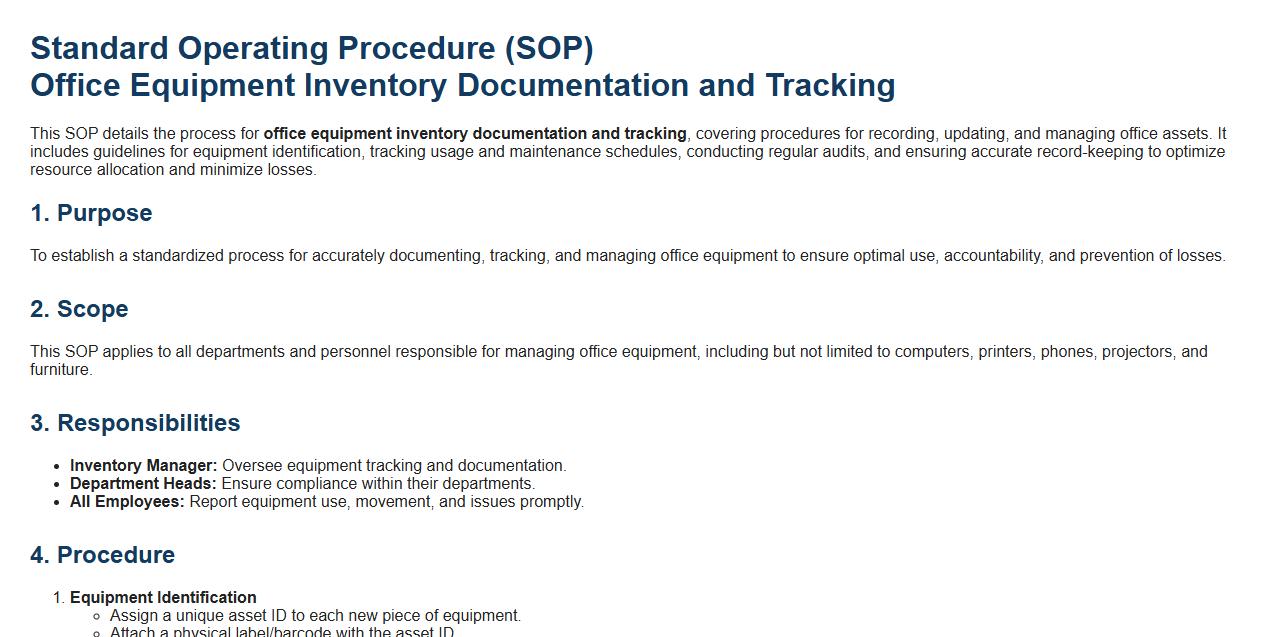
This SOP details the process for office equipment inventory documentation and tracking, covering procedures for recording, updating, and managing office assets. It includes guidelines for equipment identification, tracking usage and maintenance schedules, conducting regular audits, and ensuring accurate record-keeping to optimize resource allocation and minimize losses.
Routine inspection schedules for all office equipment.
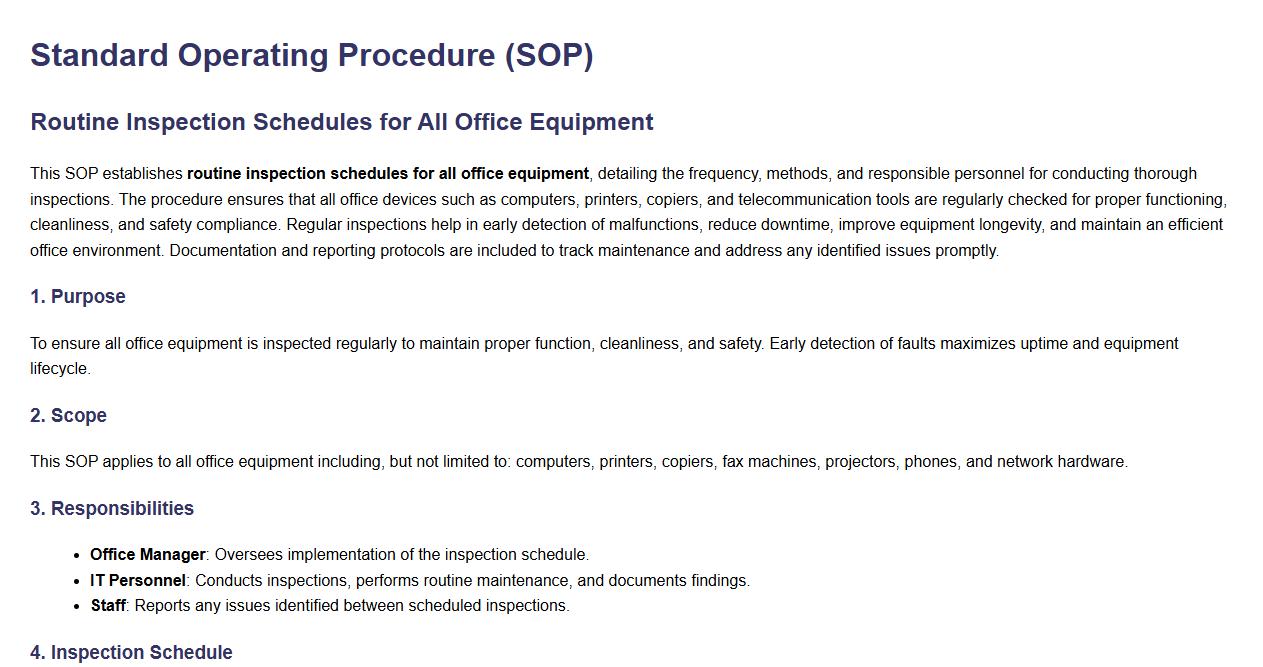
This SOP establishes routine inspection schedules for all office equipment, detailing the frequency, methods, and responsible personnel for conducting thorough inspections. The procedure ensures that all office devices such as computers, printers, copiers, and telecommunication tools are regularly checked for proper functioning, cleanliness, and safety compliance. Regular inspections help in early detection of malfunctions, reduce downtime, improve equipment longevity, and maintain an efficient office environment. Documentation and reporting protocols are included to track maintenance and address any identified issues promptly.
Standard procedures for daily equipment use and care.
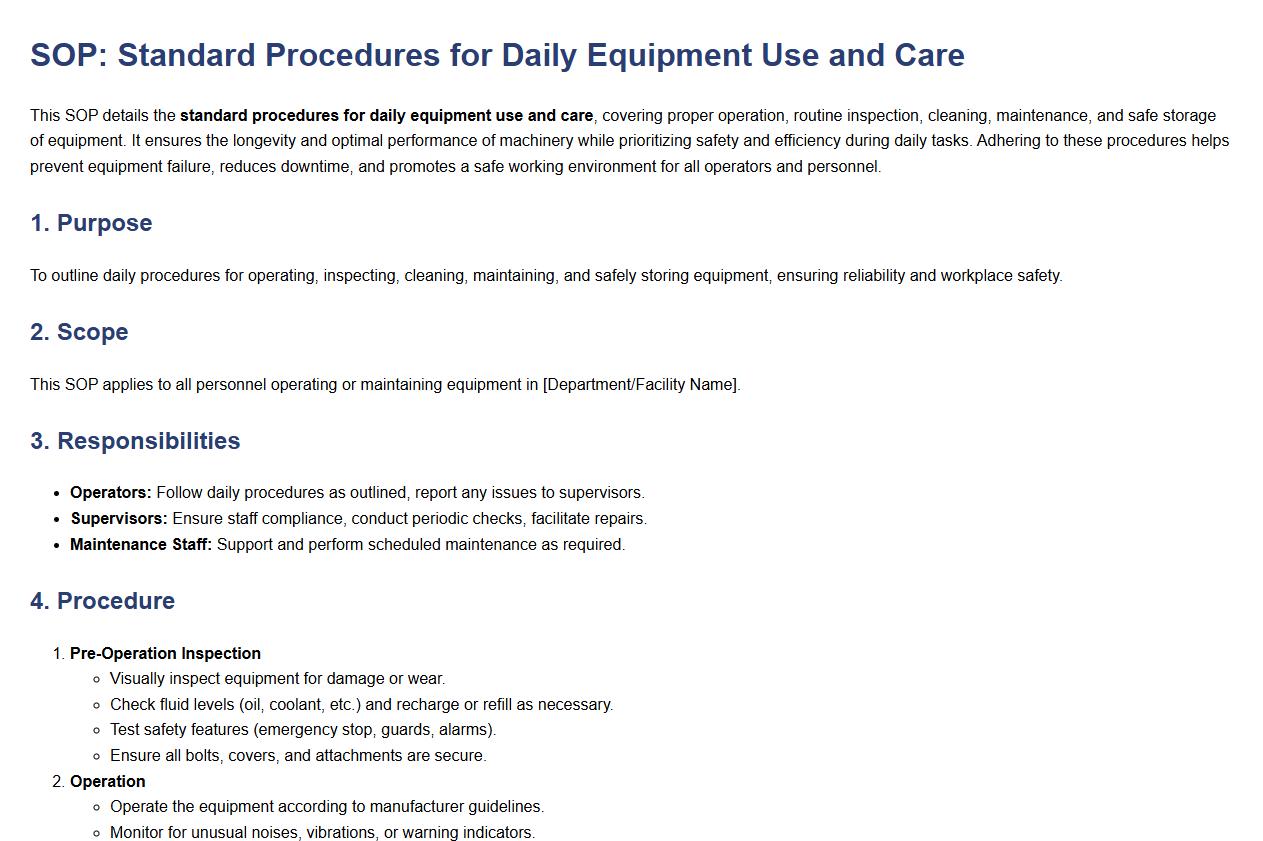
This SOP details the standard procedures for daily equipment use and care, covering proper operation, routine inspection, cleaning, maintenance, and safe storage of equipment. It ensures the longevity and optimal performance of machinery while prioritizing safety and efficiency during daily tasks. Adhering to these procedures helps prevent equipment failure, reduces downtime, and promotes a safe working environment for all operators and personnel.
Step-by-step cleaning guidelines for each equipment type.
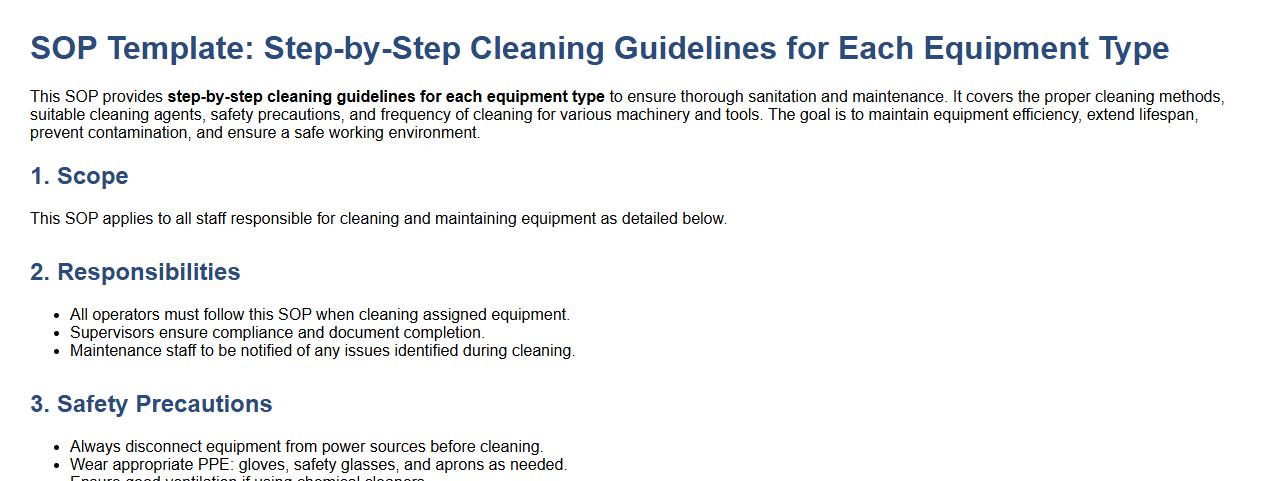
This SOP provides step-by-step cleaning guidelines for each equipment type to ensure thorough sanitation and maintenance. It covers the proper cleaning methods, suitable cleaning agents, safety precautions, and frequency of cleaning for various machinery and tools. The goal is to maintain equipment efficiency, extend lifespan, prevent contamination, and ensure a safe working environment.
Process for reporting equipment faults and malfunctions.
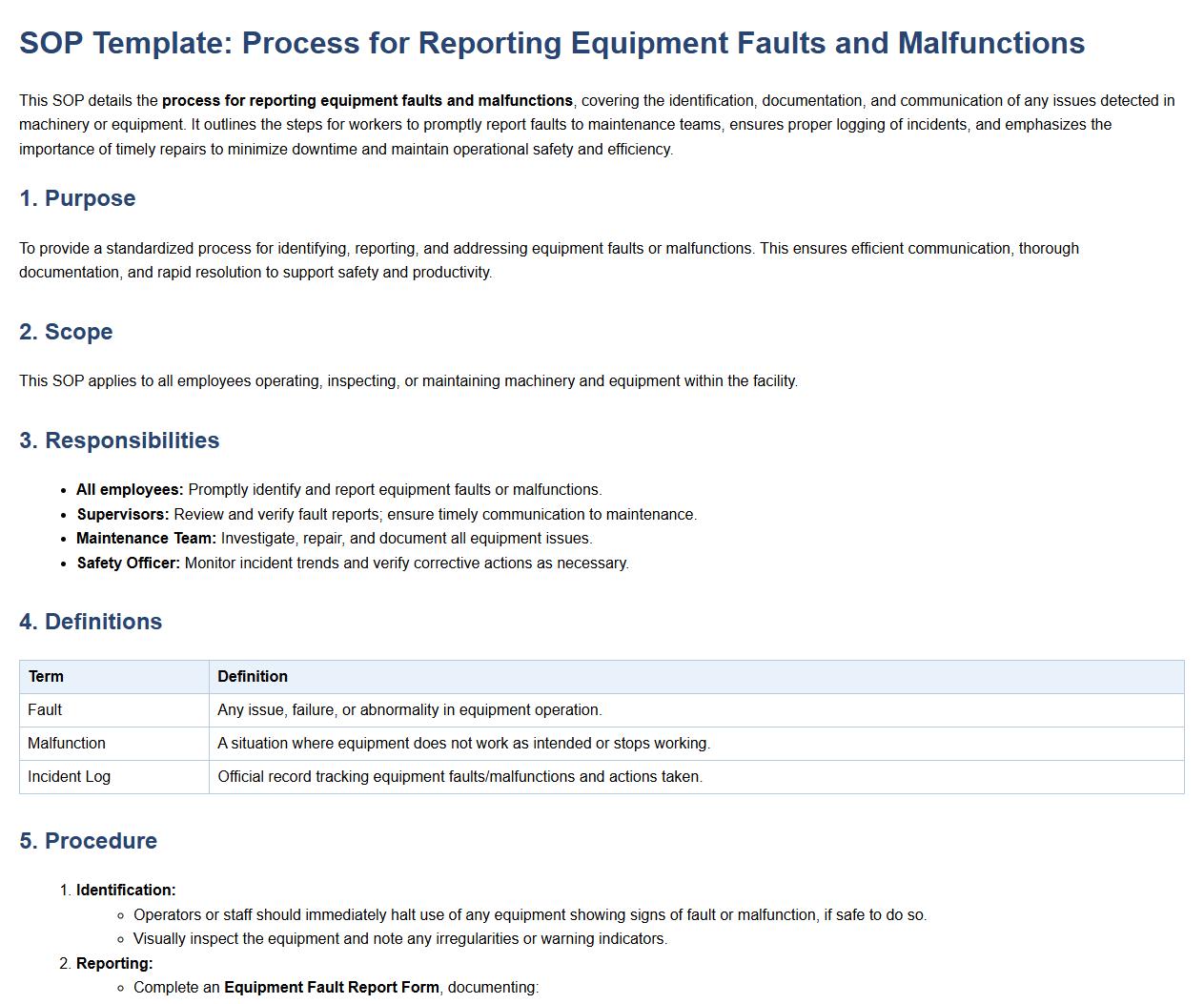
This SOP details the process for reporting equipment faults and malfunctions, covering the identification, documentation, and communication of any issues detected in machinery or equipment. It outlines the steps for workers to promptly report faults to maintenance teams, ensures proper logging of incidents, and emphasizes the importance of timely repairs to minimize downtime and maintain operational safety and efficiency.
Guidelines for troubleshooting common equipment issues.
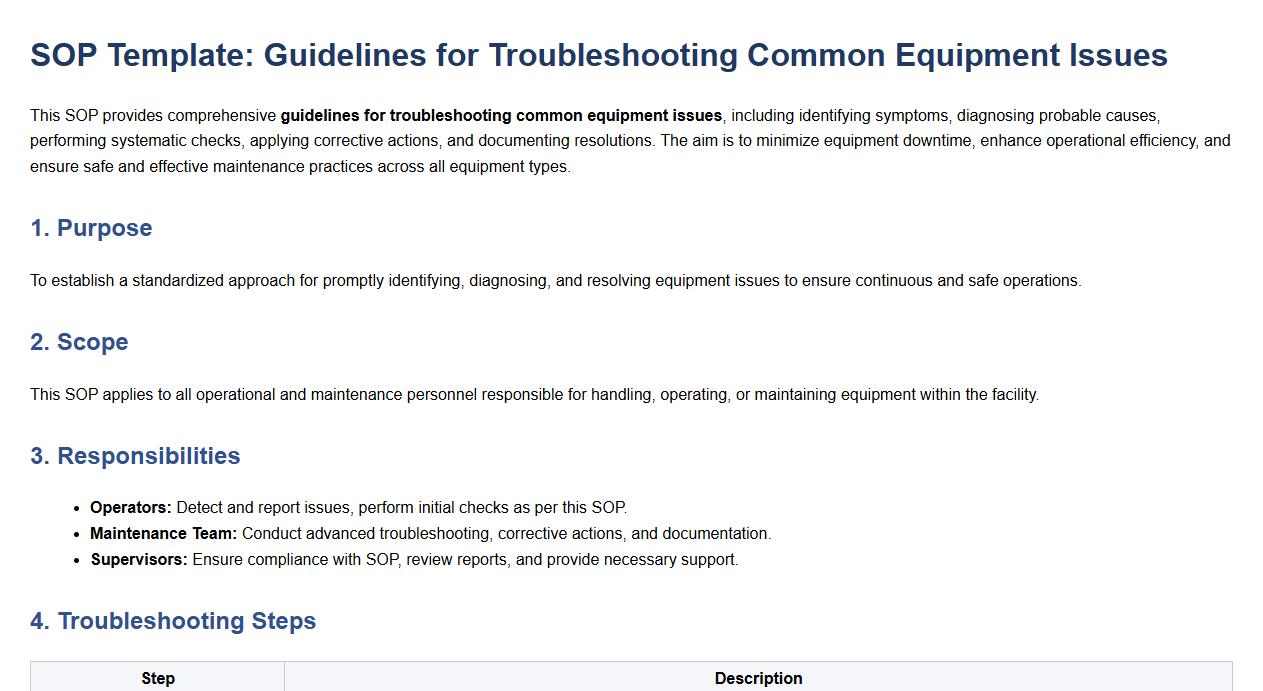
This SOP provides comprehensive guidelines for troubleshooting common equipment issues, including identifying symptoms, diagnosing probable causes, performing systematic checks, applying corrective actions, and documenting resolutions. The aim is to minimize equipment downtime, enhance operational efficiency, and ensure safe and effective maintenance practices across all equipment types.
Procedure for arranging external repairs or servicing.
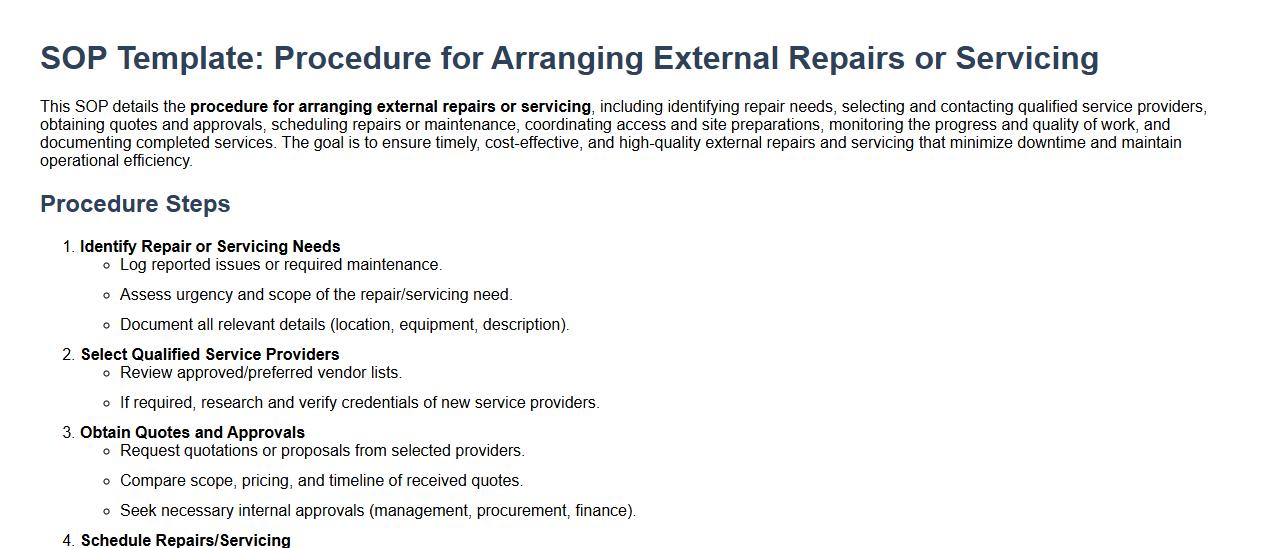
This SOP details the procedure for arranging external repairs or servicing, including identifying repair needs, selecting and contacting qualified service providers, obtaining quotes and approvals, scheduling repairs or maintenance, coordinating access and site preparations, monitoring the progress and quality of work, and documenting completed services. The goal is to ensure timely, cost-effective, and high-quality external repairs and servicing that minimize downtime and maintain operational efficiency.
Parts replacement approval and procurement process.
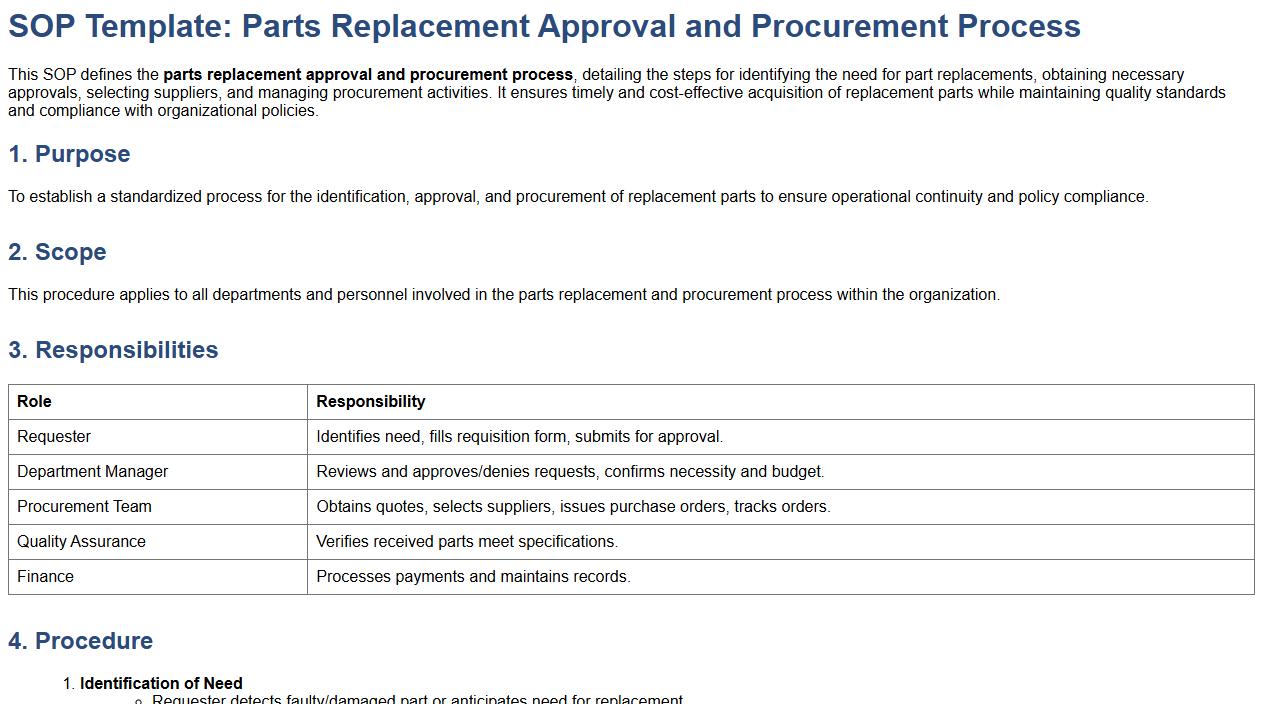
This SOP defines the parts replacement approval and procurement process, detailing the steps for identifying the need for part replacements, obtaining necessary approvals, selecting suppliers, and managing procurement activities. It ensures timely and cost-effective acquisition of replacement parts while maintaining quality standards and compliance with organizational policies.
Safety protocols during equipment maintenance and repairs.
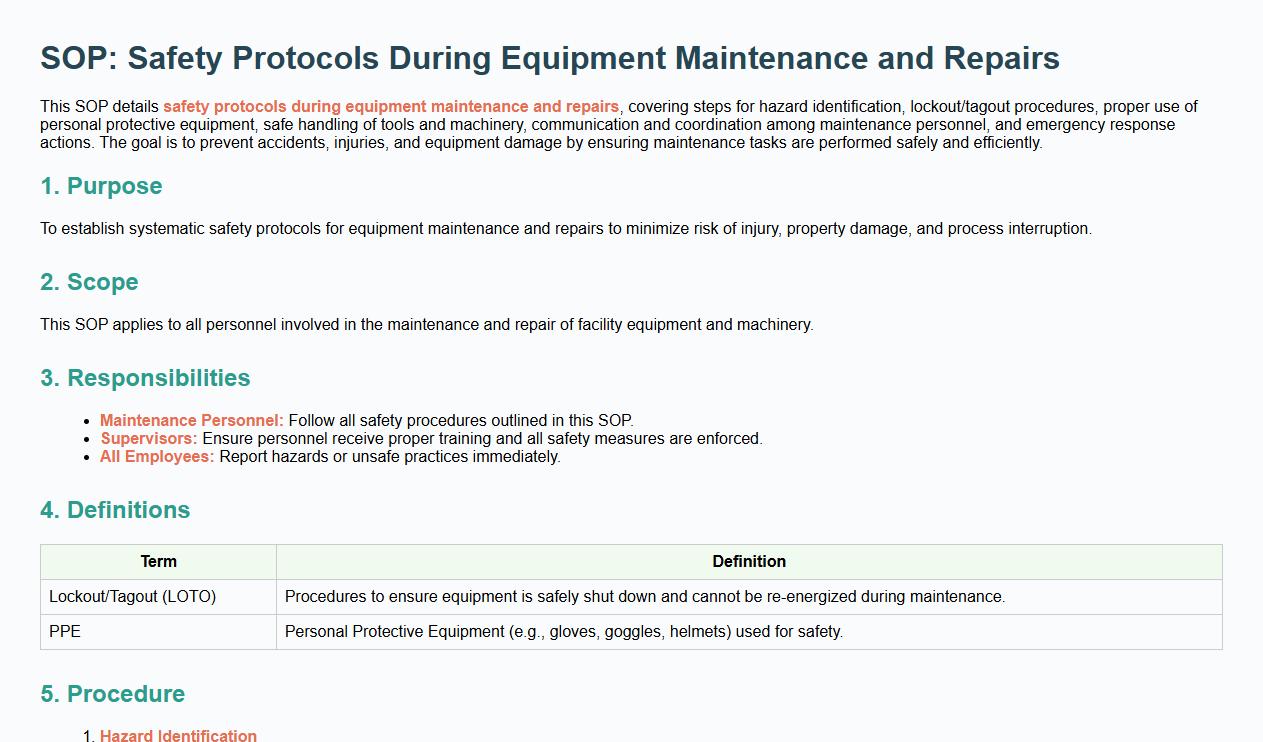
This SOP details safety protocols during equipment maintenance and repairs, covering steps for hazard identification, lockout/tagout procedures, proper use of personal protective equipment, safe handling of tools and machinery, communication and coordination among maintenance personnel, and emergency response actions. The goal is to prevent accidents, injuries, and equipment damage by ensuring maintenance tasks are performed safely and efficiently.
Record-keeping of all maintenance activities and service history.
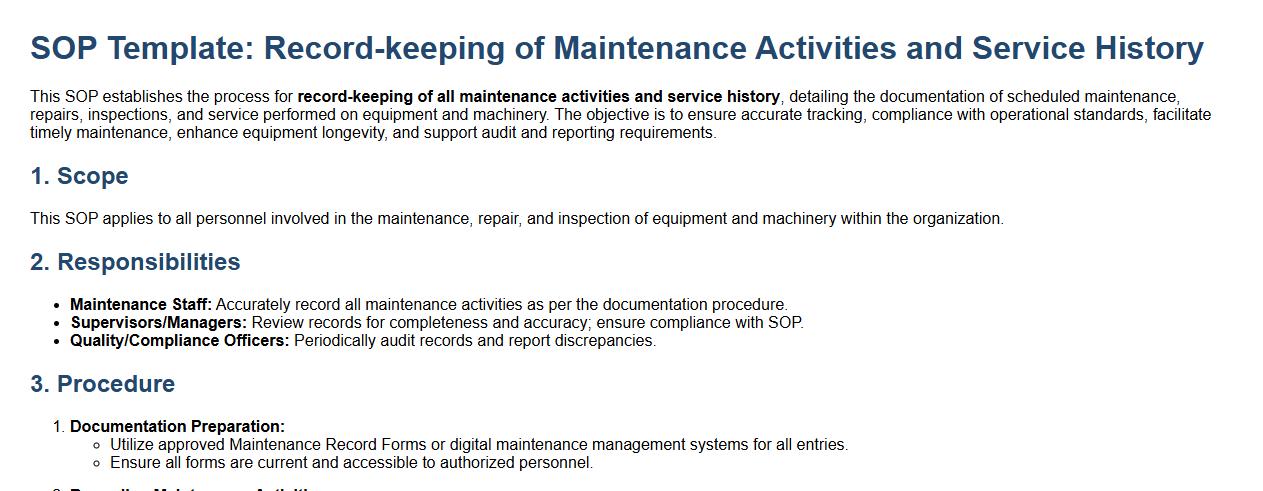
This SOP establishes the process for record-keeping of all maintenance activities and service history, detailing the documentation of scheduled maintenance, repairs, inspections, and service performed on equipment and machinery. The objective is to ensure accurate tracking, compliance with operational standards, facilitate timely maintenance, enhance equipment longevity, and support audit and reporting requirements.
What is the primary purpose of the SOP for Office Equipment Maintenance?
The primary purpose of the SOP for Office Equipment Maintenance is to ensure consistent and efficient upkeep of all office devices. It aims to minimize equipment downtime by establishing clear maintenance protocols. This SOP helps in prolonging the lifespan of office equipment through regular care and timely repairs.
Which office equipment items are covered under this SOP maintenance procedure?
The SOP covers a range of office equipment including printers, computers, copiers, scanners, and fax machines. It also includes peripherals like keyboards, monitors, and projectors to ensure comprehensive coverage. Regular maintenance of these items helps maintain optimal performance and reduce unexpected failures.
What are the key steps outlined in the preventive maintenance schedule?
The preventive maintenance schedule includes routine inspections, cleaning, and calibration of office equipment. It mandates periodic testing to detect any early signs of wear or malfunction. Additionally, the schedule emphasizes timely replacement of consumable parts to avoid operational disruptions.
Who is responsible for documenting completed maintenance tasks according to the SOP?
The designated maintenance technician or office equipment manager is responsible for documenting all completed maintenance tasks. Accurate records must be maintained in the maintenance logbook or digital tracking system. This documentation ensures accountability and helps track equipment performance over time.
What actions should be taken if equipment malfunctions are identified during routine checks?
If equipment malfunctions are detected, the SOP requires immediate reporting to the maintenance supervisor or technical support team. The affected equipment should be taken out of service to prevent further damage. Prompt repair or replacement must be scheduled to restore full functionality quickly.